

Maestro 3D focuses on the production and development of 3D scanners and software for orthodontics and dental restoration.
Pontedera, Toscana
Joined October 2011
- Tweets298
- Following290
- Followers166
- Likes68
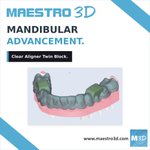







A closer look at Clear Aligner Twin Block for mandibular advancement in Maestro 3D Dental Studio Expert. Explore the model and block detail, then watch the companion reel.
maestro3d.com
#TwinBlock #mestro3dexpert #maestro3d #maestro_3d
#maestro3d_ #digitaldentistry


85
Mandibular advancement: Clear Aligner Twin Block in Maestro 3D Dental Studio Expert. Explore the 3D model in this short animation.
maestro3d.com
#TwinBlock #mestro3dexpert #maestro3d #maestro_3d
#maestro3d_ #digitaldentistry #orthodontist
#invisiblealigners
30
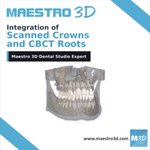
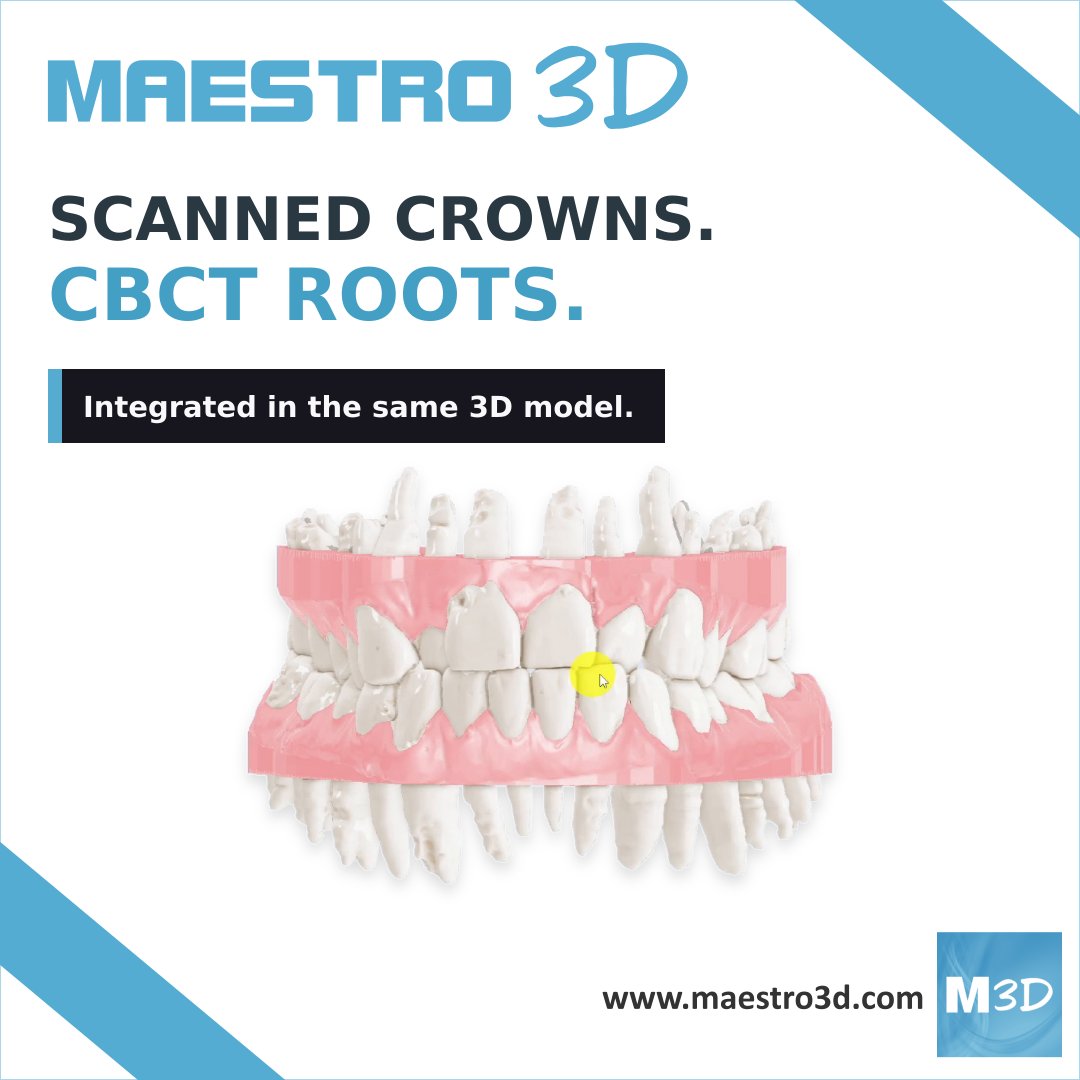
Integration of Scanned Crowns and CBCT Roots in Maestro 3D.
See the integrated teeth alongside the mandible and maxilla, from different angles.
maestro3d.com/dental.studio.…
#CBCT #mestro3dexpert #maestro3d #maestro_3d
#maestro3d_ #digitaldentistry #orthodontist
#invisiblealigners



19
Integration of Scanned Crowns and CBCT Roots in Maestro 3D: see the integrated teeth alongside the mandible and maxilla.
Explore the feature:
maestro3d.com/dental.studio.…
#CBCT #mestro3dexpert #maestro3d #maestro_3d
#maestro3d_ #digitaldentistry #orthodontist
#invisiblealigners
14
Switch to the color map for another view of intersections. Watch the companion reel for the narrated demonstration of real-time contact visualization.
#mestro3dexpert #maestro3d #maestro_3d
#maestro3d_ #digitaldentistry #orthodontist
#invisiblealigners #dentaltechnician

14
Explore real-time dental contacts in Maestro 3D Dental Studio Expert: activate the view, move a tooth and inspect numerical intersection values.
maestro3d.com
#mestro3dexpert #maestro3d #maestro_3d
#maestro3d_ #digitaldentistry #orthodontist
#invisiblealigners


21
Move a tooth. See the contact change. Explore real-time contacts, numerical intersection values and color maps in Maestro 3D Dental Studio Expert.
maestro3d.com
#mestro3dexpert #maestro3d #maestro_3d
#maestro3d_ #digitaldentistry #orthodontist
#invisiblealigners
24
Another option shown in the reel: Aggregate. Choose an interval to group IPR every N aligners.
Watch the companion reel to see the settings and staging views in action.
#IPR #mestro3dexpert #maestro3d #maestro_3d
#maestro3d_ #digitaldentistry #orthodontist
#invisiblealigners

11
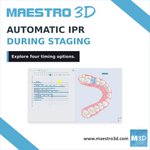
Automatic IPR during staging in Maestro 3D: explore planning for each aligner, at treatment start and at the first intersection.
maestro3d.com
#IPR #mestro3dexpert #maestro3d #maestro_3d #maestro3d_ #digitaldentistry #orthodontist


8
🦷✨ New feature in Maestro 3D Dental Studio Expert!
🔹 Automatic IPR (Interproximal Reduction)
🔹 New mode: IPR grouping every N aligners
🔹 Improved patient management & comfort: during check-ups, the dentist delivers N aligners and plans IPR for the entire sequence
#maestro3d
13
Where is the Retainer option in Maestro 3D Dental Studio Expert?
Find the switch in the staging panel, then locate Retainer in the upper-jaw layer list.
Save these steps for reference.
#mestro3dexpert #maestro3d
#maestro3d_ #digitaldentistry #orthodontist #retainer


15
Have you spotted the Retainer option in Maestro 3D Dental Studio Expert?
See where to enable it and find it in the upper-jaw layer list in this quick walkthrough. #mestro3dexpert #maestro3d #digitaldentistry
22
🔵LIBRARY INTEGRATION NEWS🔵
📢New Component Libraries Available
🆕 PROTECT Orthodontics | PT V Plus💎✨


37
🦷 After the automatic generation of Twin Block appliances for mandibular advancement, flexibility makes the difference.
⚙️ Adjust each device at every stage for precise control of treatment progression.
📈 Greater predictability, enhanced customization, better clinical outcomes.


14
💻 Design mandibular advancement directly in the virtual setup.
With the latest evolution of Maestro 3D Dental Studio Expert, mandibular advancement can now be integrated from the very first stages of the virtual setup.

8