







Pinned Tweet
Model Behavior is back after a short hiatus. This episode, @chrismcgovern20, @CliffeLife and our AI agent Archer discuss what bottlenecks exist for organizations adopting AI (hint: it's not the model), the magic of voice agents, and the adoption of personal agents.
Episode 11 of Model Behavior: Your AI Is Ready - but Is Your Organization?
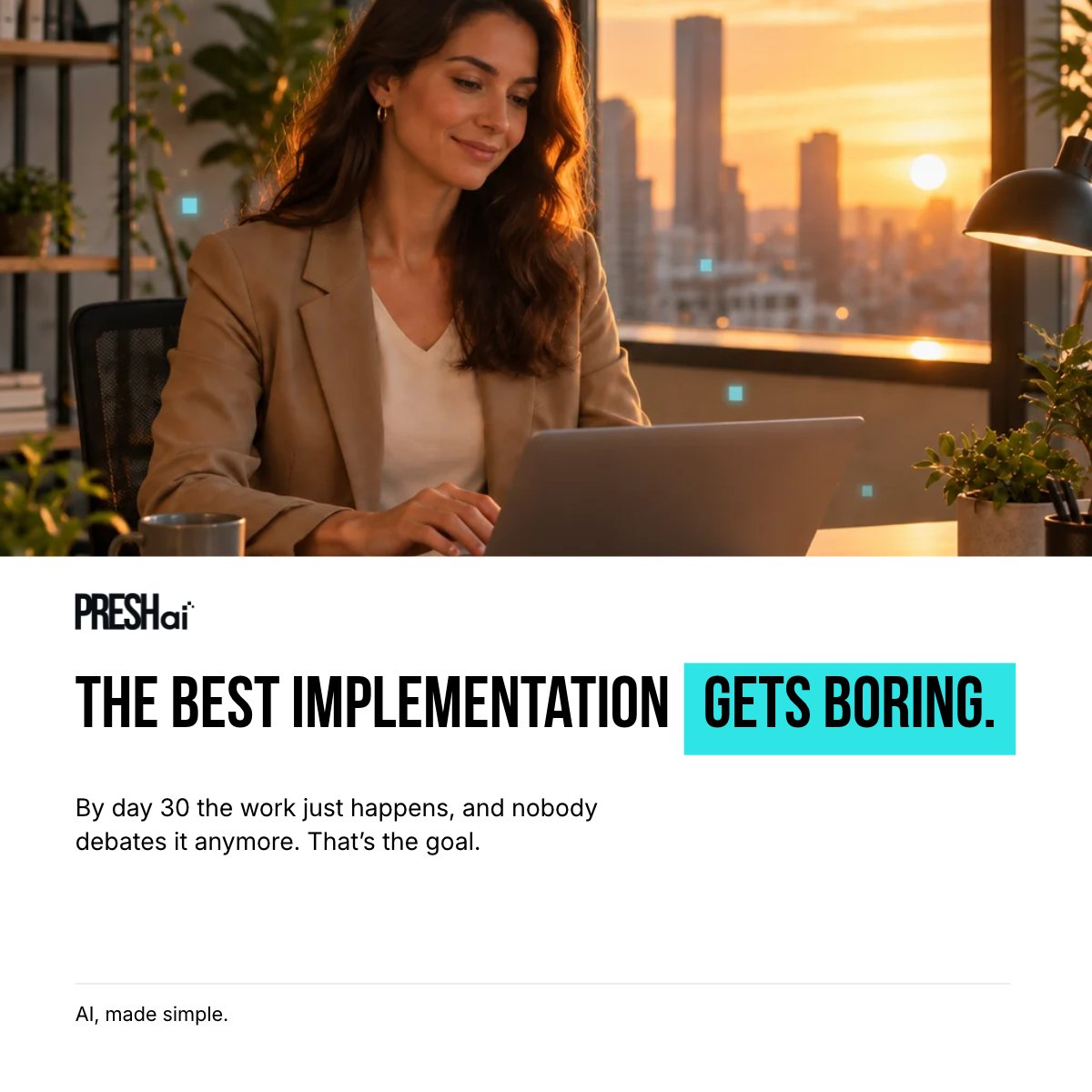
By day 30 of a good AI implementation, everything gets quieter. The work just happens, and nobody debates it anymore. Boring is the compliment. Reply or DM @cliffelife to get started.
7
Every critical AI workflow needs a fallback plan before the first failure. Define what happens when the primary model slows down, produces weak output, loses tool access, or hits a policy limit. Under pressure, "figure it out" becomes the failure mode.
Set a latency target for every customer-facing AI workflow. When a request exceeds it, route the work to an approved alternate, alert the workflow owner if risk rises, and tell the customer about the delay before it causes damage.

2
16
Give weak AI output a defined recovery path. Retry once when the issue can be corrected. If quality still fails, use an approved alternate. Send high-impact answers to human review before they affect customers, revenue, security, or trust.
Build human review into the AI fallback plan from the start. Decide which requests can wait in a queue, which require an employee to take over, and which need a clear delay message so the customer knows what is happening.

1
8

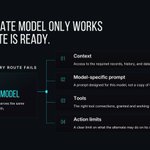
A prompt can express policy. It cannot enforce it.
Prompts define intent. Scoped permissions, hard stops, audit trails, monitoring, and recovery paths are what prevent an unsafe action.
Which workflow would you not yet trust an agent to run?

1
1
56
This gap shows up faster in SMB. The person who authorized the agent is often the owner or a single admin, and when they leave, nobody inherits the access map. A lifecycle, a named owner, and a documented kill path are the three things every agent deployment should ship with on day one.

An AI agent can have a name, an owner and a permission list. That still leaves a hard question: what happens to its access when the person who authorized it changes roles or leaves?
Agent identity needs a lifecycle, definition of an owner/department, and not just a login.
2
107
The AI committee has met four times. Nine vendor demos in a shared folder. Nothing happened. What do you do next?
Bring us one tedious process in your company that could benefit from AI automation. Reply or DM @cliffelife to get started.

8
The deployment gap is real. Most enterprises have some Copilot licenses people use as search, or a couple of power users and not much else.
Moving AI into production isn't glamorous, though: it starts with one workflow mapped out, parameters in place for permissions, governance, fallback and rollback, then testing and optimization.

This is correct. The vast majority of enterprise workflows have not actually had agents applied to them in any meaningful way. The economy probably has this deployed < 1% right now.
At best you have a few automated systems in a company that do a single pass of an LLM to make a decision or provide feedback, but very little real “automation”. Some of this is a statement about the adoption rates of technology in enterprises, but the vast majority of it is really just due to the capability of AI itself.
That’s all changing. Now with computer use, long running agents, harness improvements and surrounding infrastructure, we’re finally at a point where we can start to apply agents at more complex workflows.
We will see self-improving systems that can take any particular workflow goal and improve the execution rates over a volume of instances. And with the emerging form factor of agent swarms, you can just choose to deploy any amount of compute at a problem and agents will off and do the work.
This won’t be about and users prompting agents to complete a specific task for them, but instead the organization reengineering the underlying workflows to take advantage of agents in their processes. This will have a massive impact in finance, life sciences, healthcare, and other information-heavy domains. Lots of opportunity to build and deploy these systems right now.
12
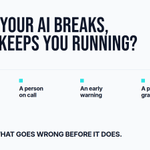
AI that works great in a demo can fall apart on a busy day. What keeps you running: a backup that takes over, a person on call, an early warning, and a plan for the messy cases. Which one would your business fail without?

1
12
Somewhere in your company, someone is using AI to do their job without telling you. Not to go around you. Because it works at 6pm. Be the one who decides what it touches. Reply or DM @cliffelife.

10

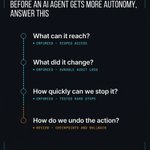
Give an AI agent a key ring, not the master key. Only what the job needs, ask before doing anything you can't undo, keep receipts on everything. Reply or DM @cliffelife for more.

1
10
A prompt is not an access-control system. It can tell an AI agent what it should do. It cannot remove credentials, restrict network access, block a tool, or prevent a prohibited action.
Production safety has to exist outside the prompt.

2
1
28
Production autonomy requires more than prevention. Scoped access keeps the blast radius small, audit trails show what the agent actually did, and hard stops catch behavior nobody planned for.
When something does go wrong, checkpoints, backups, and rollback paths are what make recovery possible.
1
8

As an @OpenAI Select Partner, we're excited to help organizations implement and optimize AI tools and platforms within their business.

1
39